

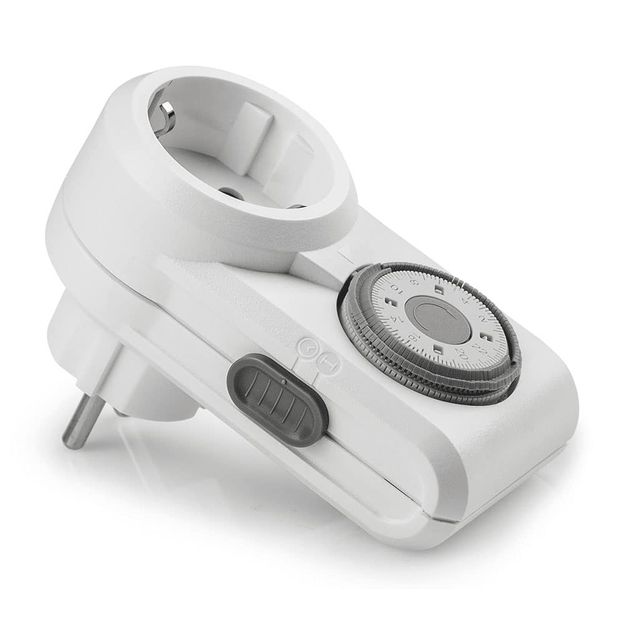
Legrand | Omnirex | Timer | Analogue
0 reviews0 out of 5 stars
Analogue plug-in timer with a repeating daily programme.
Read more24.00
In stock
Shipped within 1 -2 days
Shipped within 1 -2 days
14 days to return
Secure payment
Control your grow lights centrally with a compatible controller. Start with the fixture, brand and connection, then consider lighting zones, dimming and sensors. Explore DimLux, Lumatek, Lumen King, OCL Lighting, Gavita and Ralight at Greendiscounter. We help you choose the right combination.
10 products
Analogue plug-in timer with a repeating daily programme.
Read more24.00
In stock
Shipped within 1 -2 days
14 days to return
Secure payment
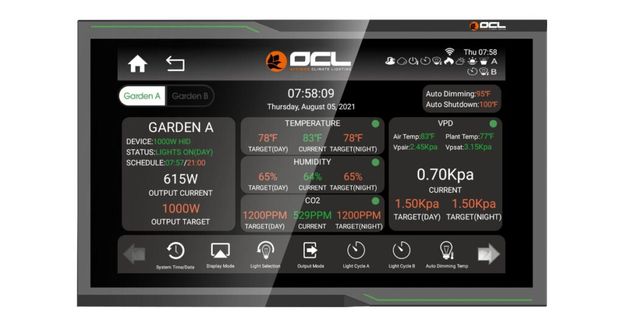
OCL lighting controller with touchscreen, 4G and WiFi. Controls up to 300 lights across two channels and offers dimming, timer functions and temperature protection.
Read moreOriginal price499.95
Sale price 389.00
In stock
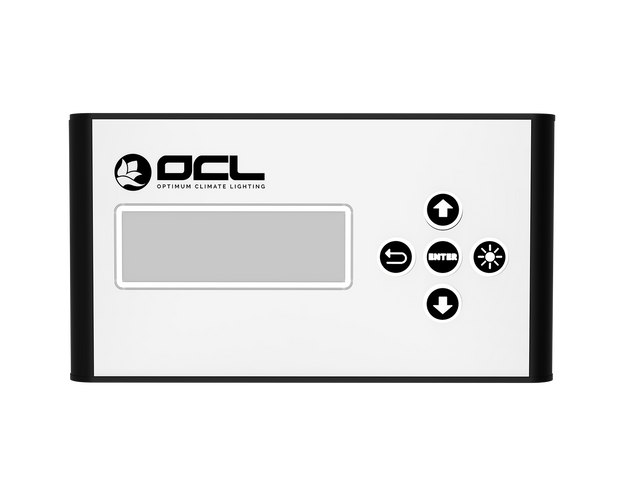
Deze controller van OCL is geschikt voor zowel de complete HPS armaturen, als voor de Skwid LED armaturen. Simpeler in gebruik dan de touchscreen, maar ook
Read moreOriginal price244.95
Sale price 199.00
In stock
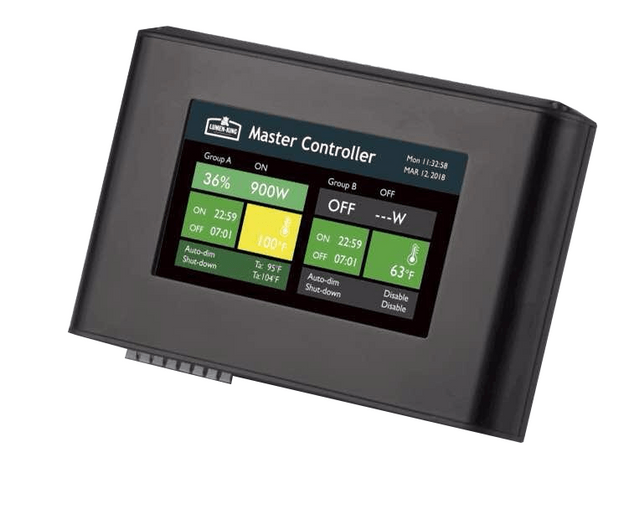
Met de Lumen King Master-controller kunt u twee lichtgroepen in een ruimte te besturen. Lumen King Master Controller Met de Lumen King Master-controller kunt u
Read more244.95
In stock
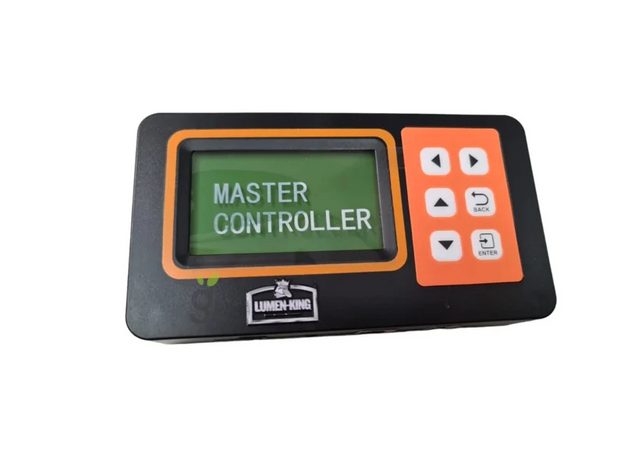
De Lumen King ECO Controller is de perfecte oplossing voor het beheren van je LED-verlichting. Speciaal ontworpen voor de Lumen King LED 720W ECO Line,
Read more149.95
In stock
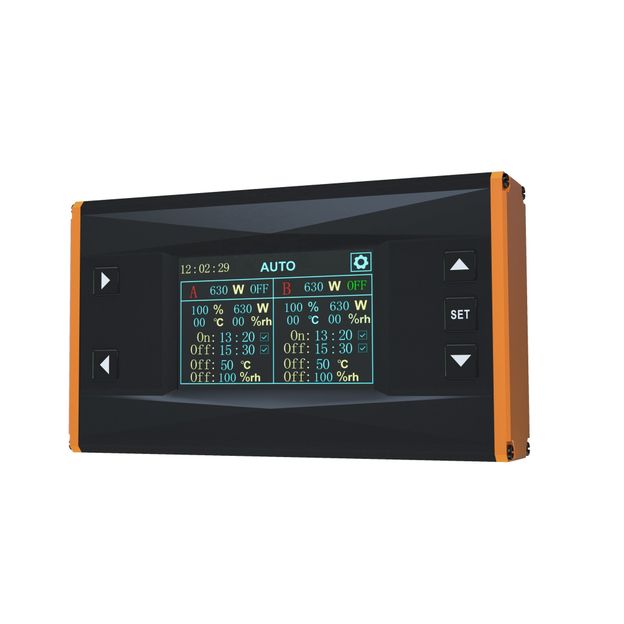
Handig! Een controller om de verlichting vanaf 1 plek te kunnen bedienen. Met de controller kunt u twee lichtgroepen in een ruimte te besturen. De controller
Read more219.00
In stock
Shipped within 1 -2 days
14 days to return
Secure payment
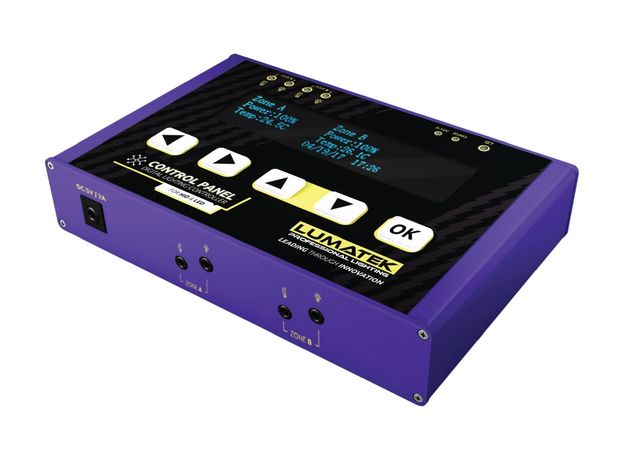
Met het Lumatek Digital Panel PLUS 2.0 krijg je de ultieme controle over je verlichtingssets. De innovatieve verlichtingscontroller van Lumatek is speciaal ontworpen voor gebruik
Read more374.95
In stock
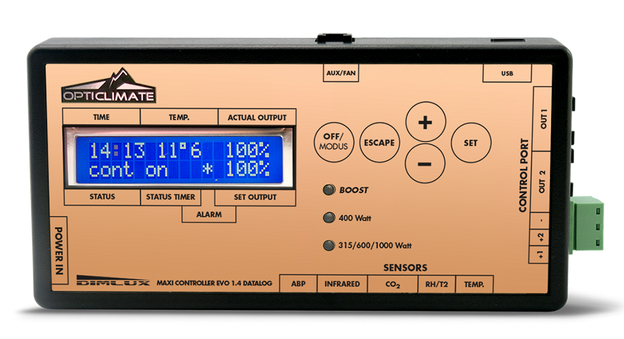
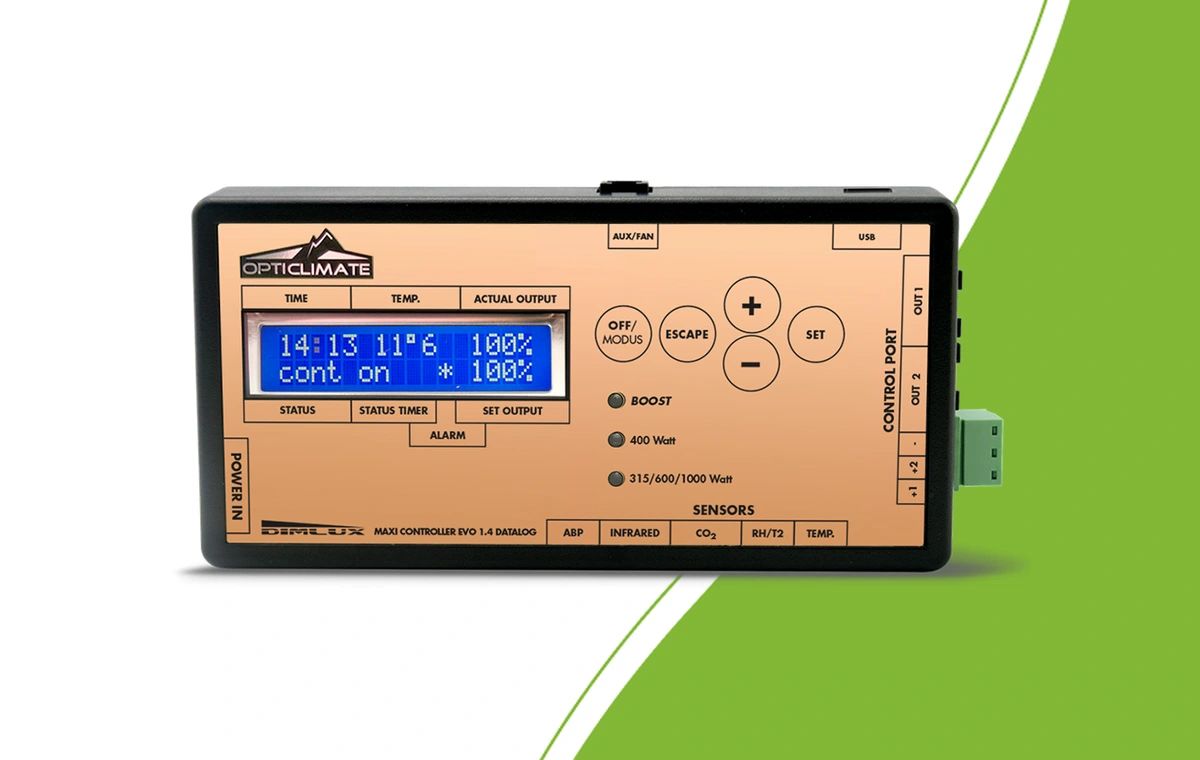
De Dimlux Maxi Controller is een modulair controlesysteem dat speciaal is ontwikkeld voor het aansturen van Dimlux verlichting, ventilatie en verwarming. Met deze geavanceerde controller
Read more314.95
In stock
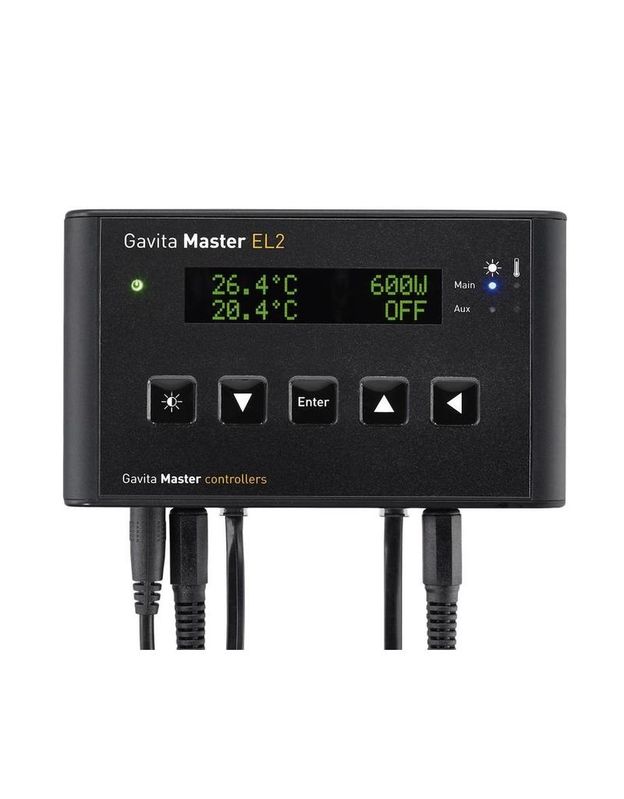
Lichtbediening binnen handbereik! De Master controller EL1 en EL2 Gen2 zijn onze instapniveau systemen voor het centraal aansturen van grote ruimtes met e-series armaturen. De
Read more345.00
In stock
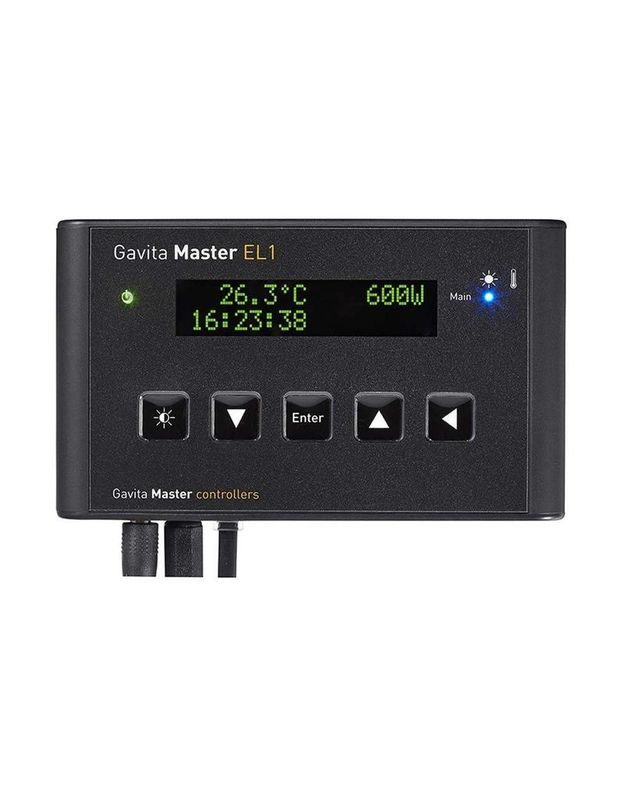
Lichtbediening binnen handbereik! De Master controller EL1 en EL2 Gen2 zijn onze instapniveau systemen voor het centraal aansturen van grote ruimtes met e-series armaturen. De
Read more275.00
In stock
Start with the exact fixture or ballast model. A plug that fits does not establish compatibility: the control signal, cable and external control setting must match too. Choose your controller around the lights you intend to operate.
For Lumatek lighting, explore the Lumatek Digital Panel PLUS 2.0. With Lumen King, compare the ECO Controller and Master Controller. The DimLux Maxi Controller EVO 1.2 belongs to the DimLux control system and can be expanded with suitable sensors. Check the supported version for each fixture.
Using OCL? Choose between the OCL digital controller with temperature and RH sensor and the OCL PRO Controller with touchscreen, 4G and WiFi. The range also includes the Ralight LED controller and the Gavita EL1 Gen 2 and EL2 Gen 2. Compare options within the appropriate system; extra features cannot solve an incompatible connection.
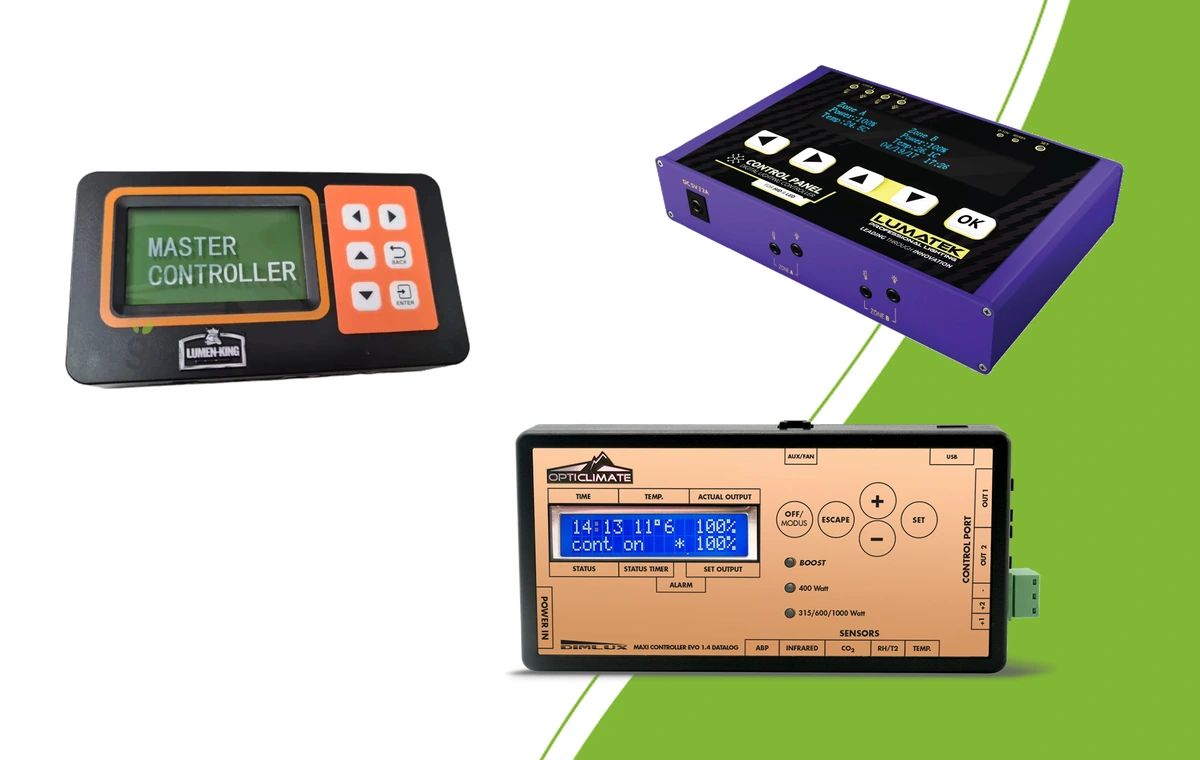






Should all lights switch and dim together, or do you need to control groups separately? An additional output does not automatically make every setting independent. Check each model’s channel settings, schedules and sensor requirements. The Lumen King Master Controller offers two groups; choose that capability when your setup needs it.
A timer controls when the lights run. Dimming controls their selected output. Temperature protection uses a sensor to respond to configured limits. Decide which functions matter and verify them for your controller and fixtures. A controller setting does not measure the light reaching your plants.
Record the brand, series, model and generation of each light. Then check the control port, suitable cable and any required adaptor. Keep fixture power cables distinct from control cables. For daisy chains, follow the cable length and fixture limits per output for the exact combination.
Ambient temperature, humidity and plant temperature are different measurements. VPD requires suitable readings and a controller that supports the function. On the DimLux Maxi Controller, available monitoring and control functions depend on the connected sensors and any expansion boxes. Start with what you want to measure before adding accessories.
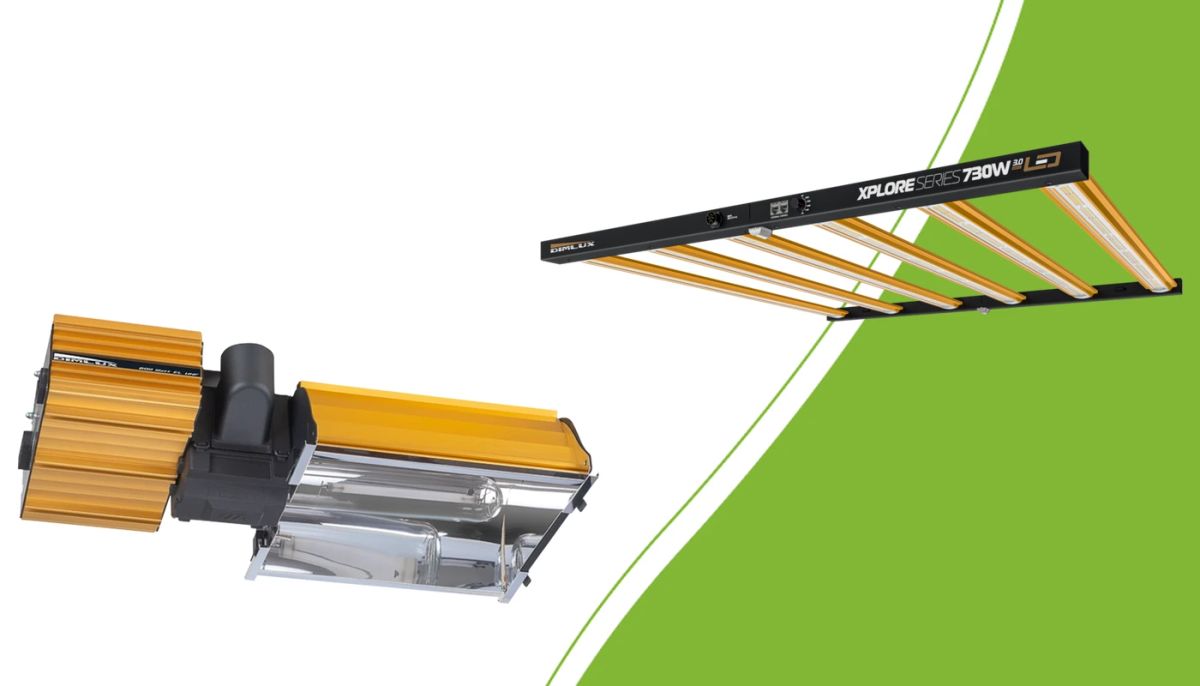
Check mounting, power, controllers and climate before replacing HPS with LED.
Read more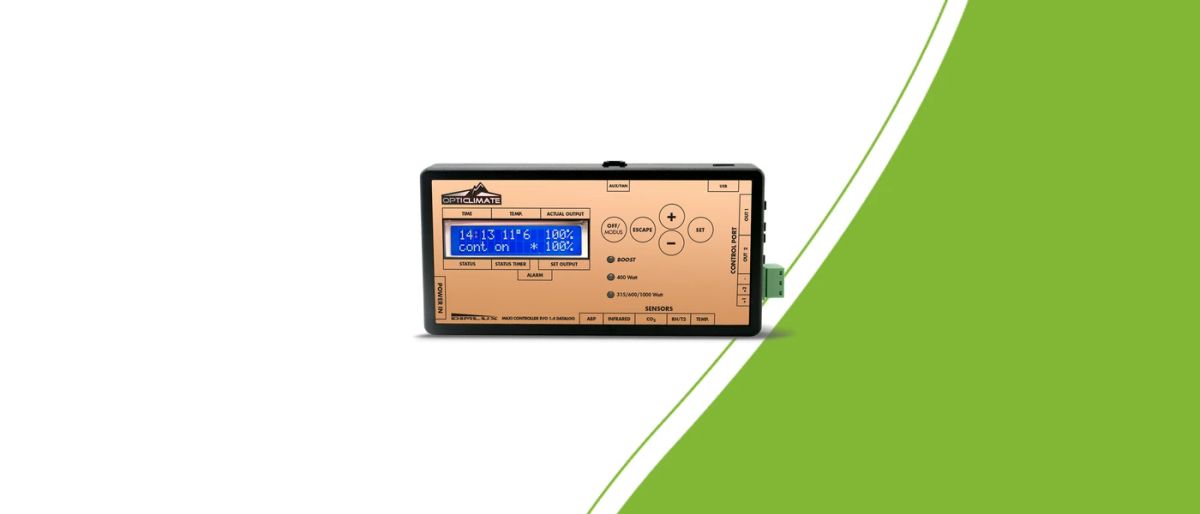
Prepare your Maxi Controller setup: check generation, software, communication cables, lighting schedules and sensors.
Read more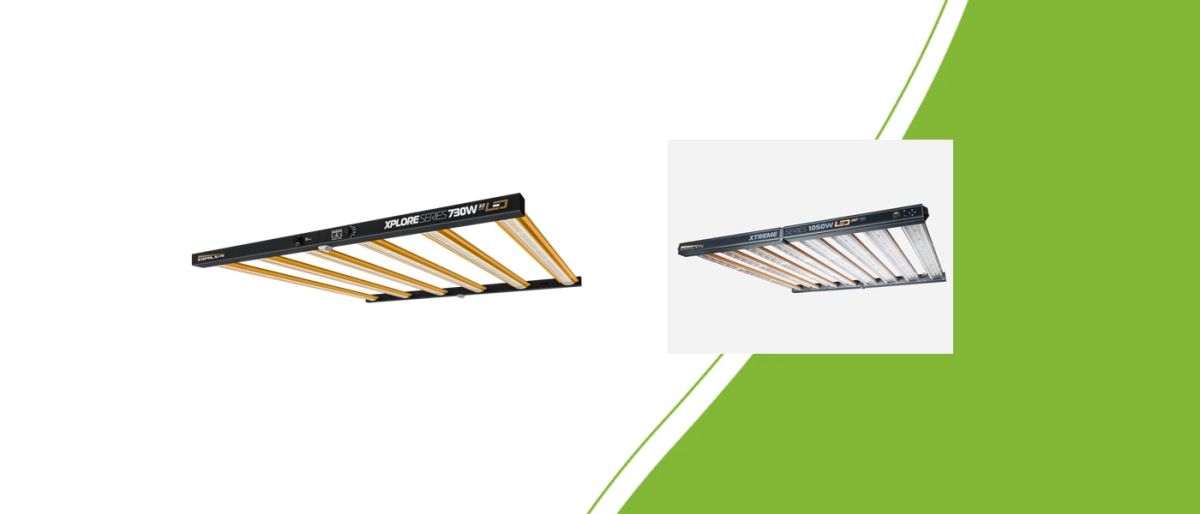
Plan your DimLux LED layout with dimensions, hanging space, PPFD distribution and a clear calculation of daily electricity use.
Read more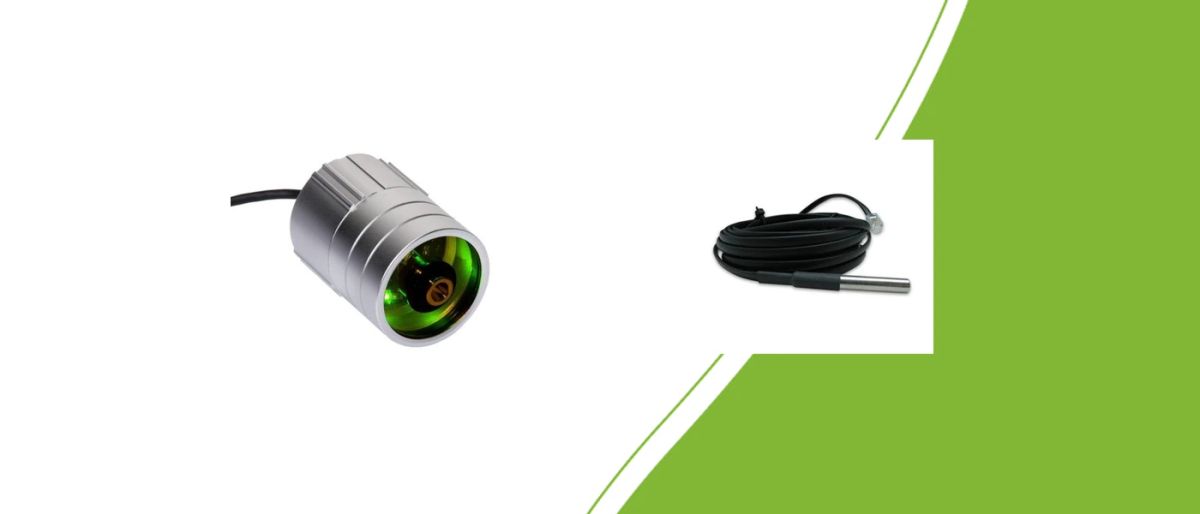
Understand air versus leaf temperature and choose suitable sensors for a DimLux VPD setup.
Read more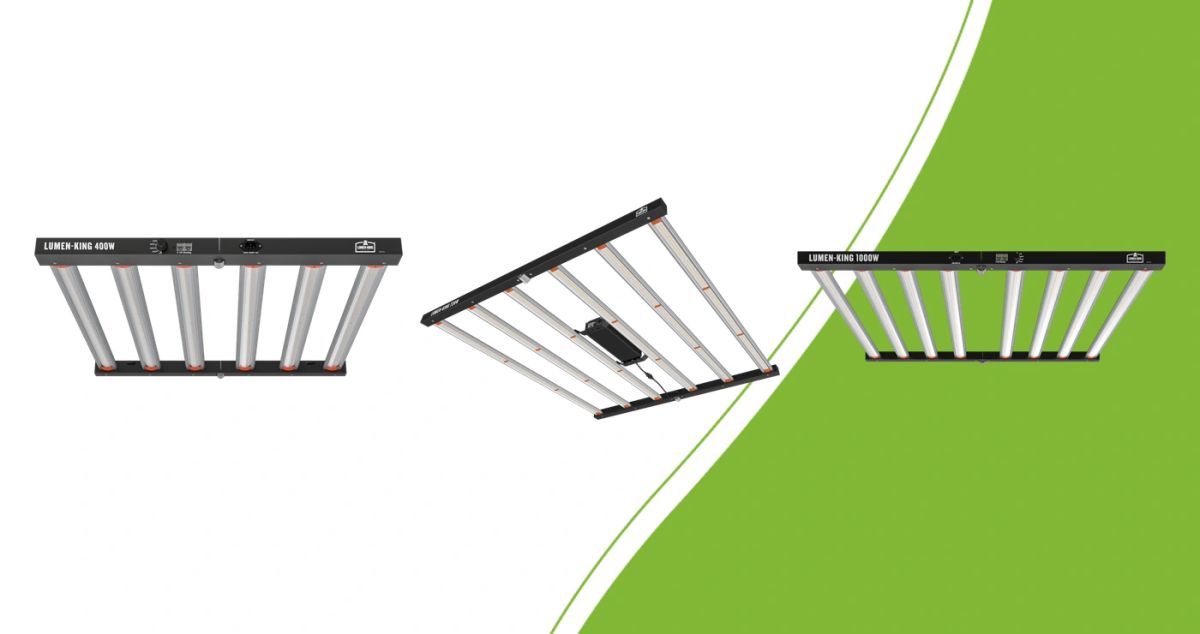
Compare Lumen King 400W, 720W and 1000W ECO by size, distribution and actual energy use. Keep the separate 630W series in mind.
Read more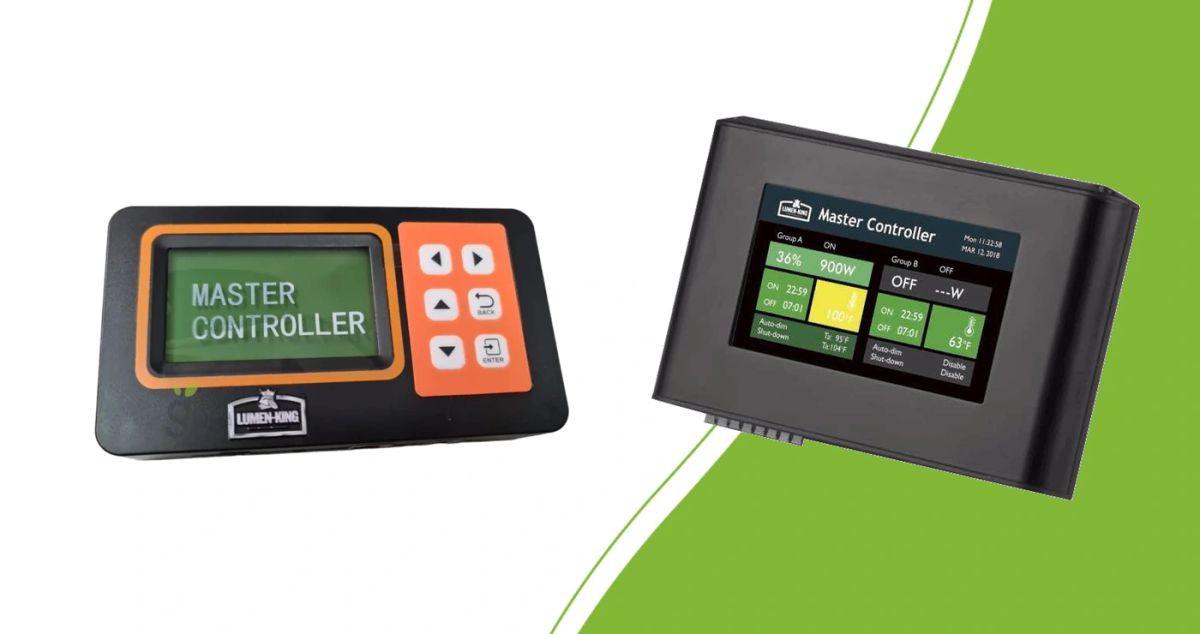
Compare ECO Controller and Master Controller by controls, lighting groups and connections. Verify compatibility before linking fixtures.
Read moreTell us the brand and model of your lights, the number of fixtures and the zones you need. We help you choose the controller and connections.
Fixture brand, model and generation
Number of lights and separate zones
Required cables, sensors and controls

Disconnect equipment from power before installation and follow the connection sequence for your devices. Set the clock, lighting schedule and output. Run a short functional check to identify the lights on each output and confirm that sensors show plausible readings. Save settings where your model requires it.
Recheck settings when replacing lights, cables or sensors. Keep ventilation and lighting control coordinated: reducing light output does not repair failed extraction. Check how the controller behaves after a power interruption too. Decide which functions you need first so you can compare and expand with a clear purpose.