


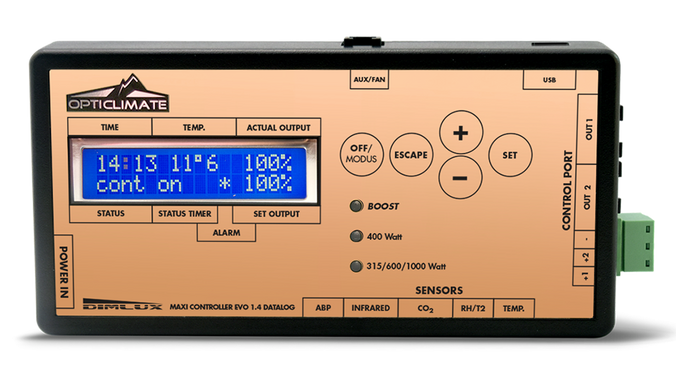
Dimlux | Maxi Controller | EVO 1.2
0 reviews0 out of 5 stars
314.95
In stock
Shipped within 1 -2 days
Shipped within 1 -2 days
14 days to return
Secure payment
Discover the DimLux Maxi Controller EVO 1.2 and learn which software, communication cables and sensors suit your DimLux lighting.
314.95
In stock
The DimLux Maxi Controller EVO 1.2 provides central lighting control in a compatible DimLux setup. Establish the fixture generation, software and required functions before choosing connections or extensions.
When connecting the Maxi Controller, consider model names, software version and cable type together. After each change, test whether the fixture responds to the selected setting.
A matching connector does not prove that every combination supports the same functions. Compare the required software and communication cable for your DimLux LED or DimLux HPS fixture.
A specific Maxi Controller network cable is available for Xplore 730W. A matching plug does not guarantee suitable communication; select the cable for the exact controller and fixture combination.
Air temperature, relative humidity and plant temperature describe different aspects of the climate. A plant temperature camera has a different role from an air sensor, while a CO₂ sensor measures something else again.
A useful DimLux VPD measurement starts with the right sensors and measuring positions. Check each sensor’s connection, supported function and the representativeness of its reading.
Before extending a system, record the controller and fixture model names, software version and existing cables. These details help identify compatible additions and the settings that need checking again.
Keep the DimLux setup manageable by recording connections and settings. This makes it easier to identify the components and settings that need changing during an extension.
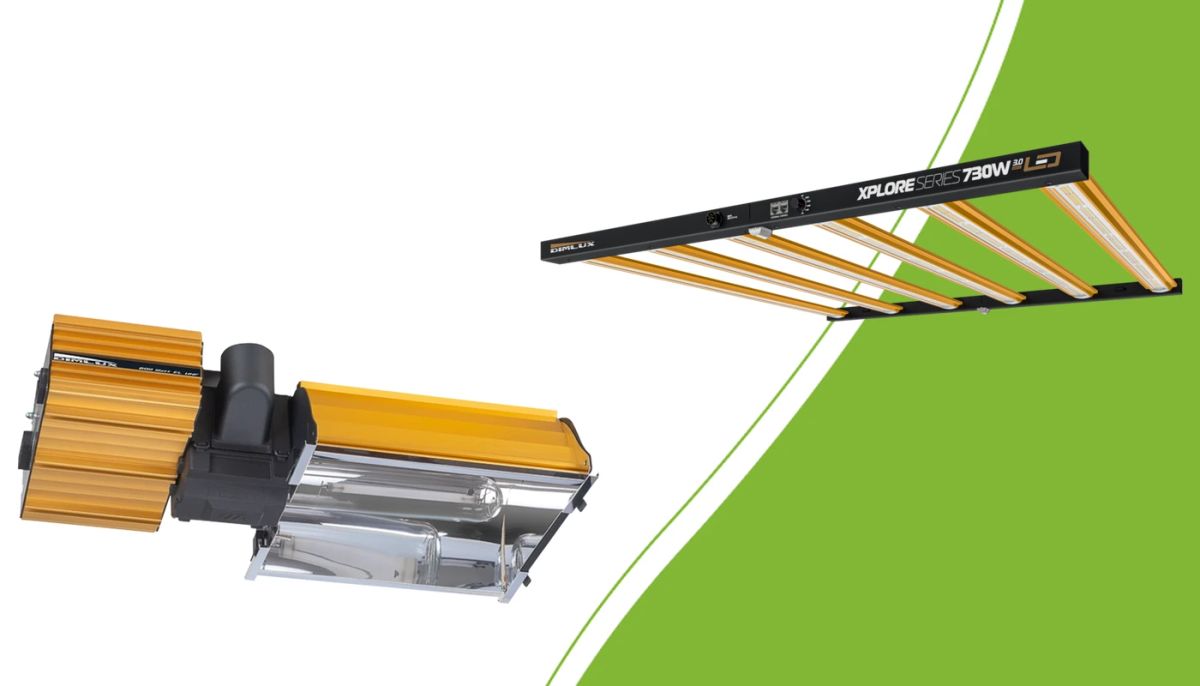
Check mounting, power, controllers and climate before replacing HPS with LED.
Read more
Prepare your Maxi Controller setup: check generation, software, communication cables, lighting schedules and sensors.
Read more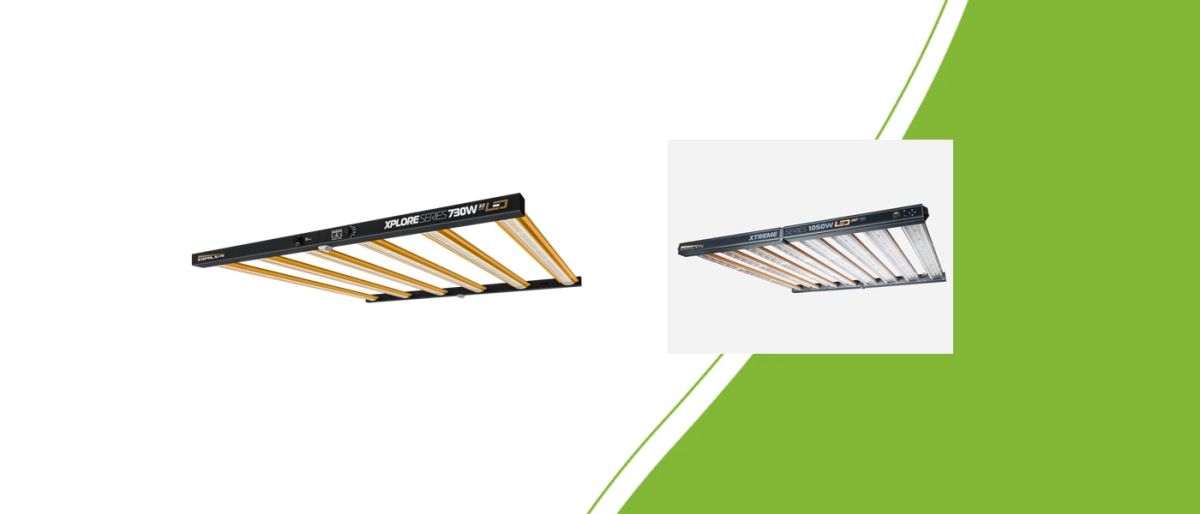
Plan your DimLux LED layout with dimensions, hanging space, PPFD distribution and a clear calculation of daily electricity use.
Read more